

Product features
Enhancing the App Lobby.
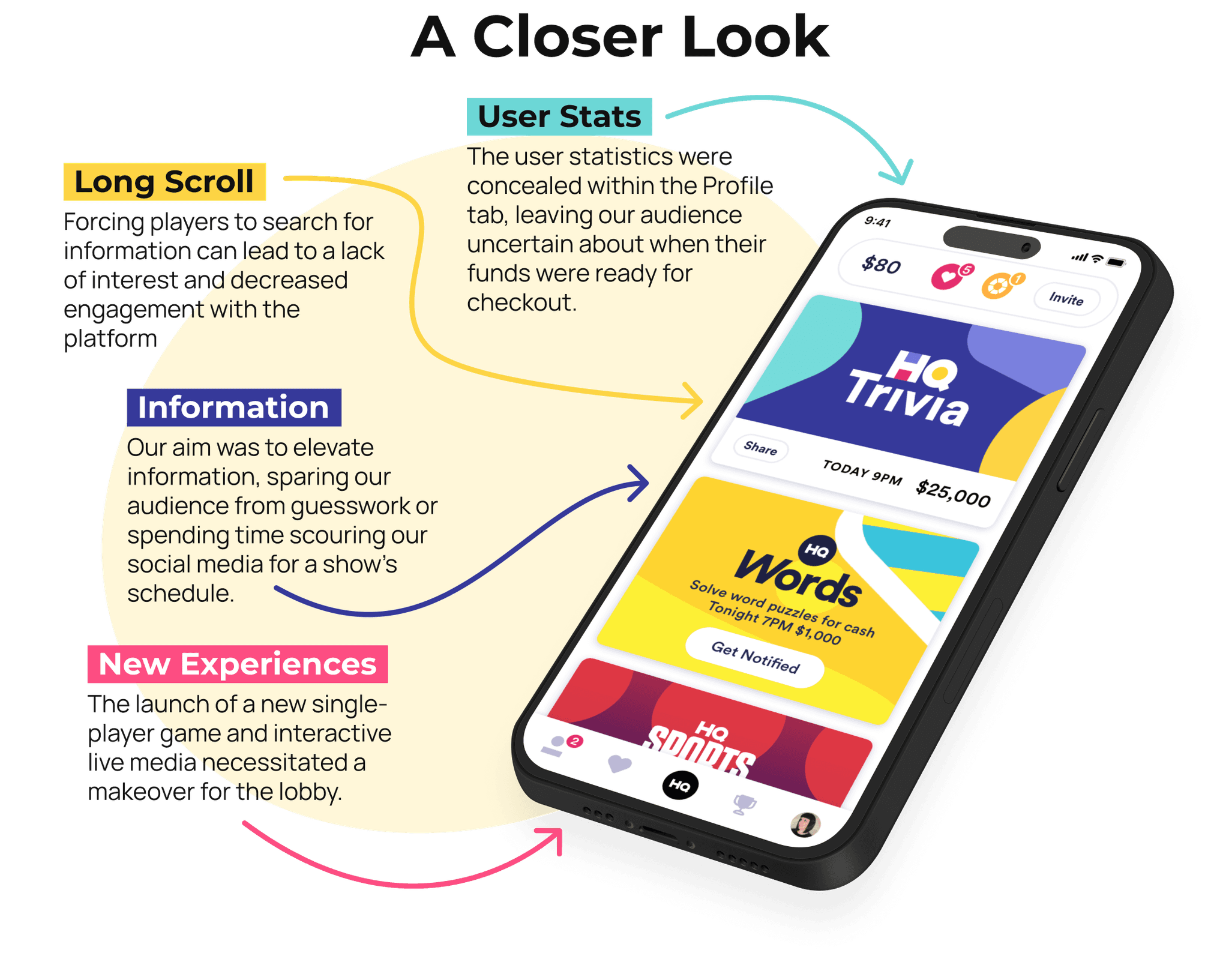
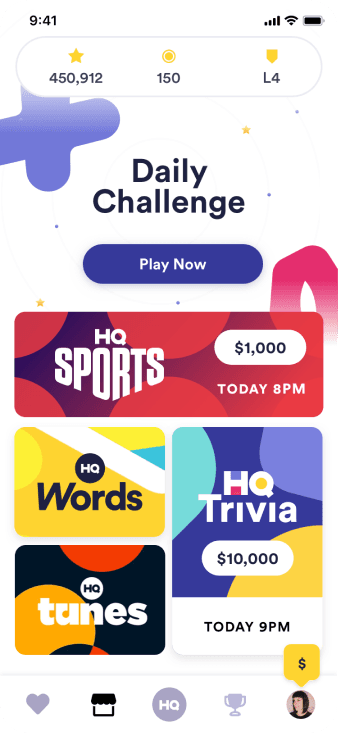
In the dynamic world of HQ, a key challenge emerged as the app lobby faced limitations in accommodating the influx of exciting new shows.
In this example, we'll explore the intricacies of the existing app lobby design, shedding light on its constraints.
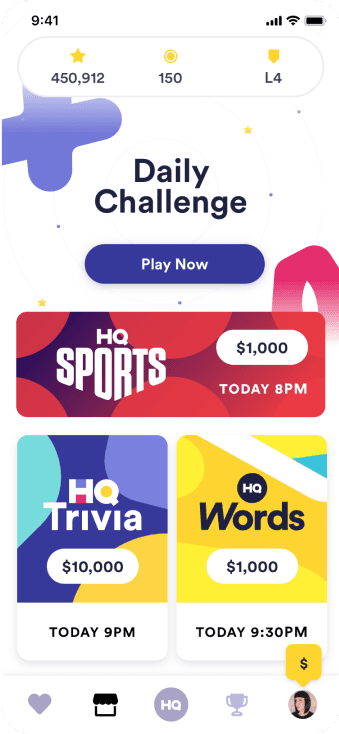
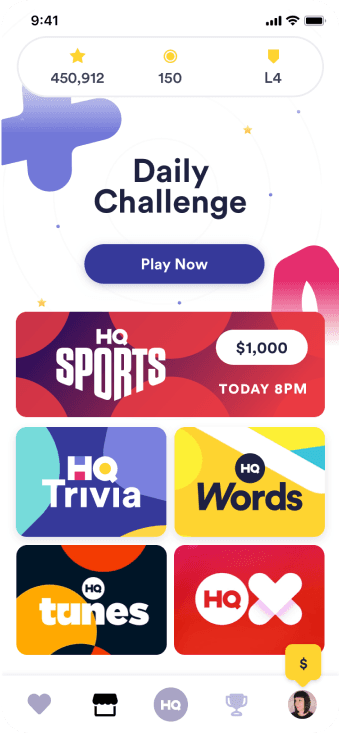
Followed by design explorations implemented to revamp and optimize the lobby for a more user-friendly and versatile experience.

Design Explorations
Transformative Results
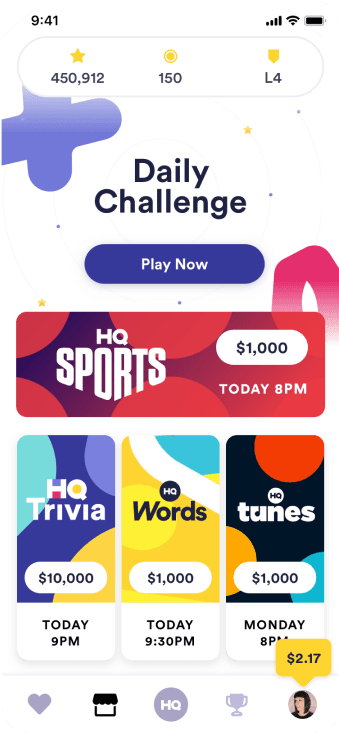
As trailblazers in the media landscape, the need to reimagine TV guides became apparent. Audiences deserve seamless access to information, without the need to hunt for it.
The revamped lobby introduces a 24/7 single-player trivia game and a dynamic schedule display, ensuring users always have the most relevant information at a glance.
Additionally, players receive timely alerts for cashing out their earned funds, while enjoying a clearer view of their stats, eliminating the need to delve deep into user profiles.

Elevating the Game
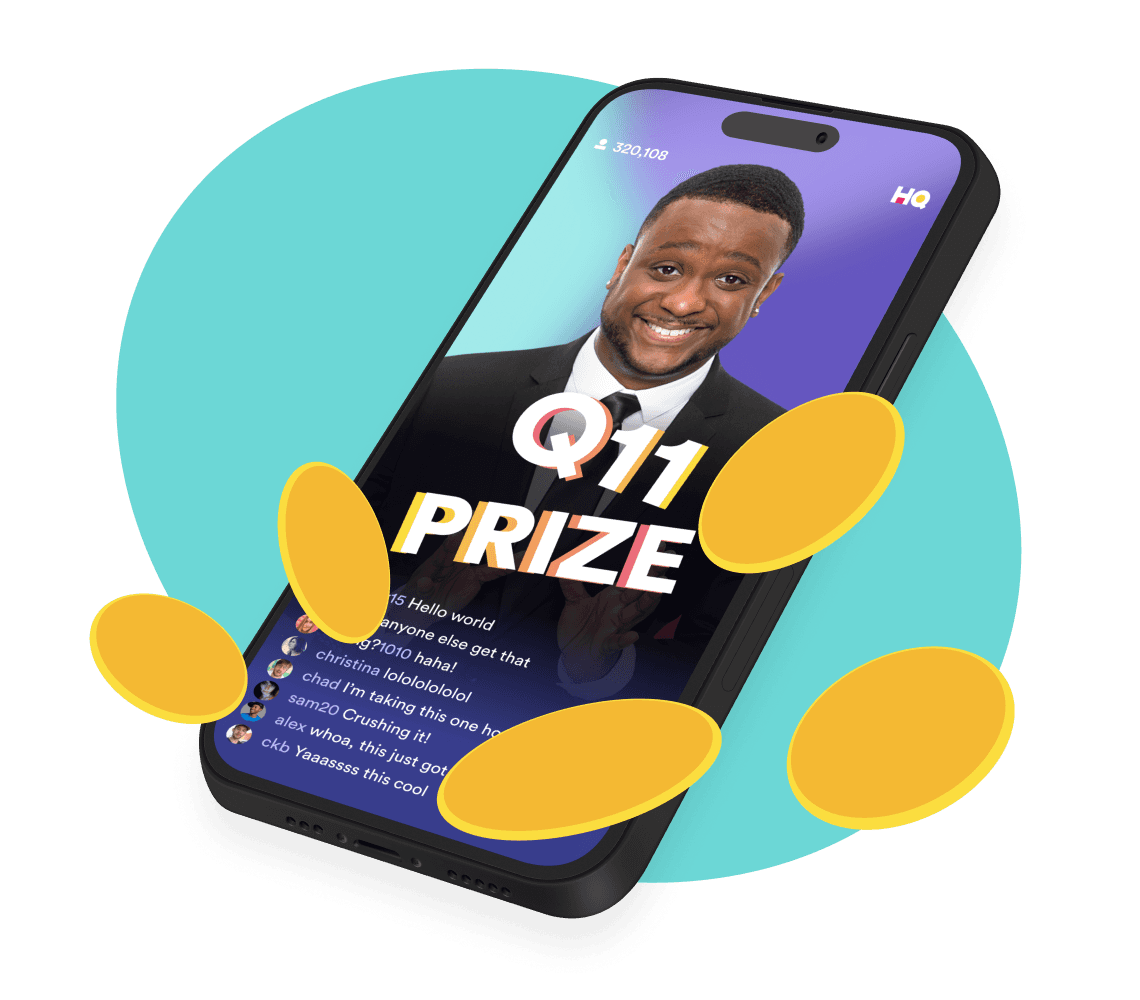
Prize Questions
The dynamics were becoming stagnant. Player engagement wasn't translating into a captivated audience. We sought a solution to infuse excitement throughout the entire game, not just at its conclusion.
Solution
It was rather simple. Make everyone a winner!
Why it Worked
Every player had the chance to emerge as an HQ winner. By strategically placing "Checkpoints" at intervals throughout the game, each user could decide whether to claim their accumulated earnings or take a risk for the chance at the Grand Jackpot at the culmination of the game.
Many opted to claim their early earnings, bringing them the joy of an HQ win. However, the majority chose to gamble everything, remaining actively engaged and more deeply invested in the game.
This user flow shows the path towards taking the prize money and becoming an HQ winner!
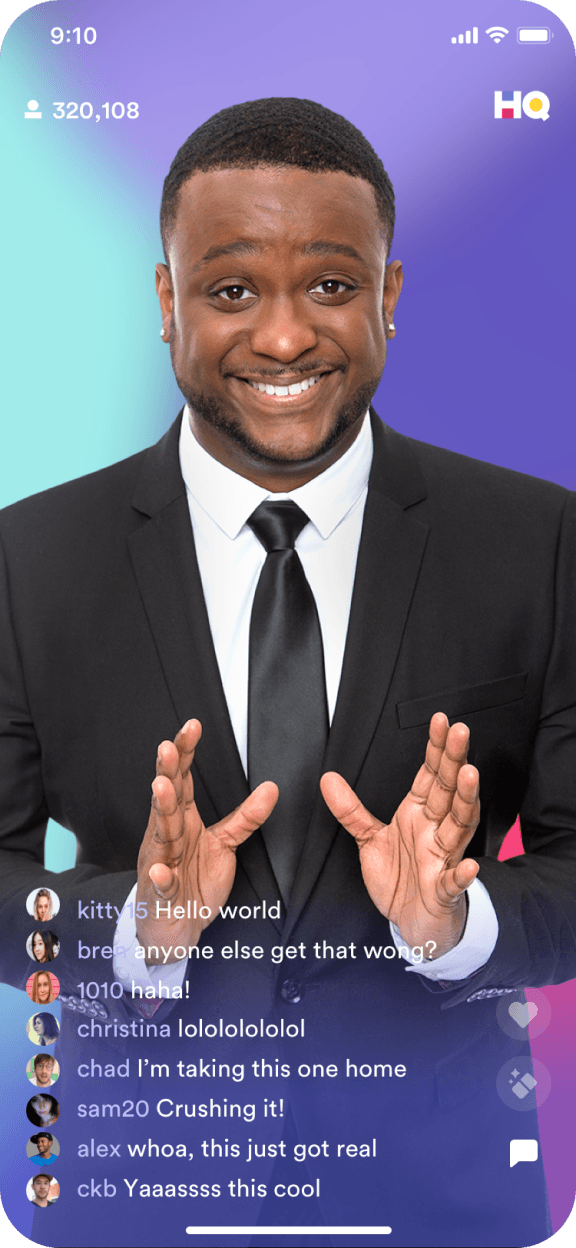

Host introduces a prize question
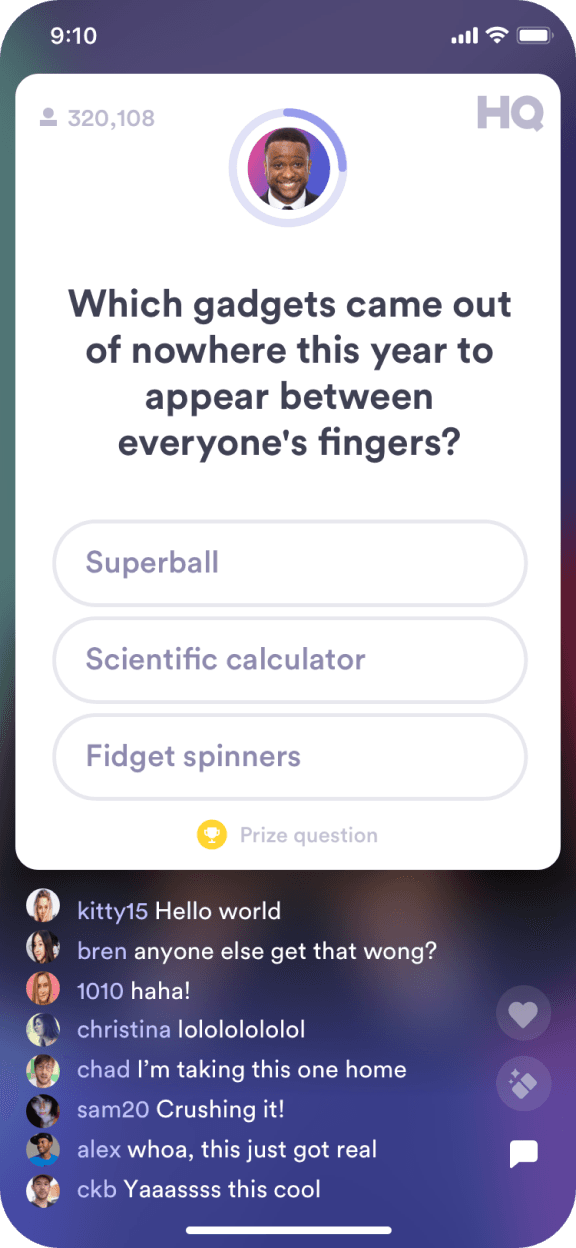
Q appears with an indication that this is a Prize Q under the options
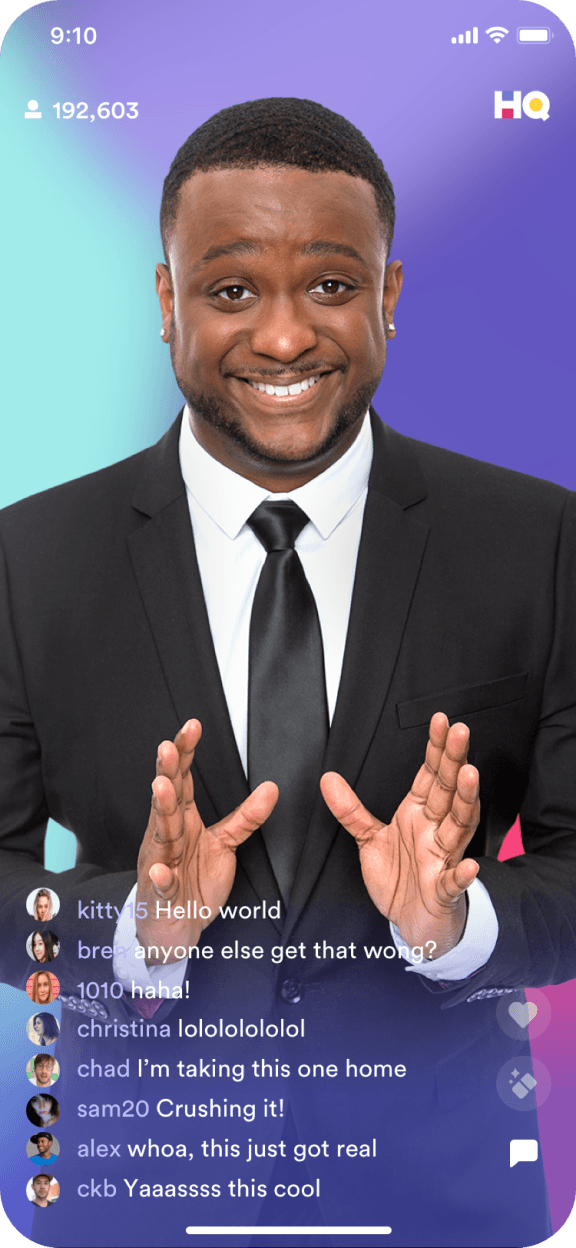
Host introduces the prize
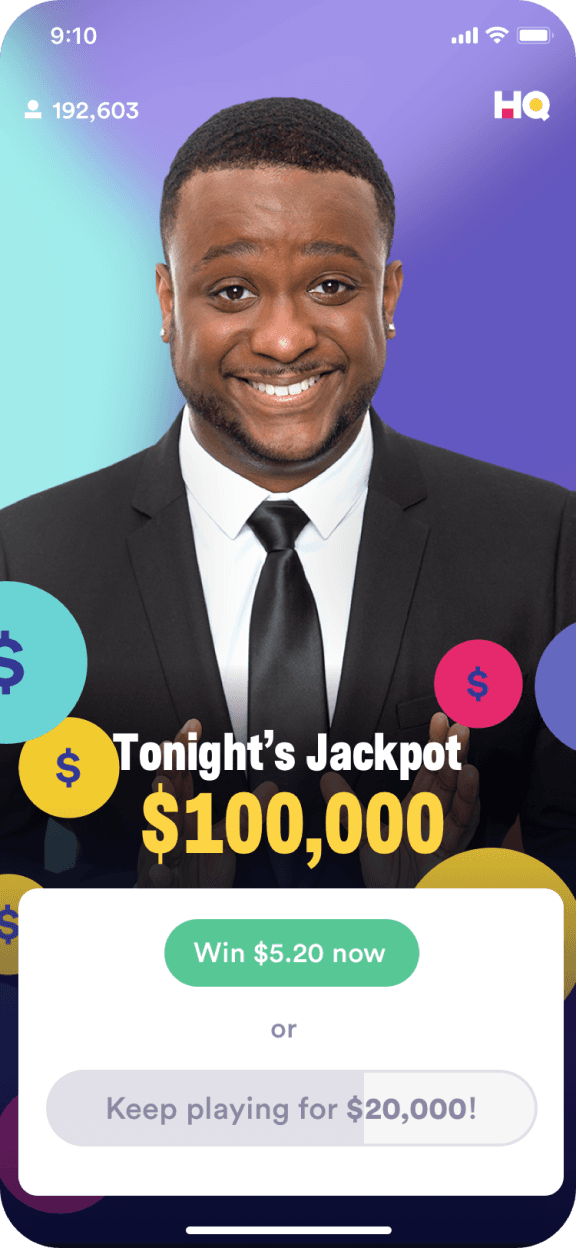
Player chooses to take the winning offer. Win button activated
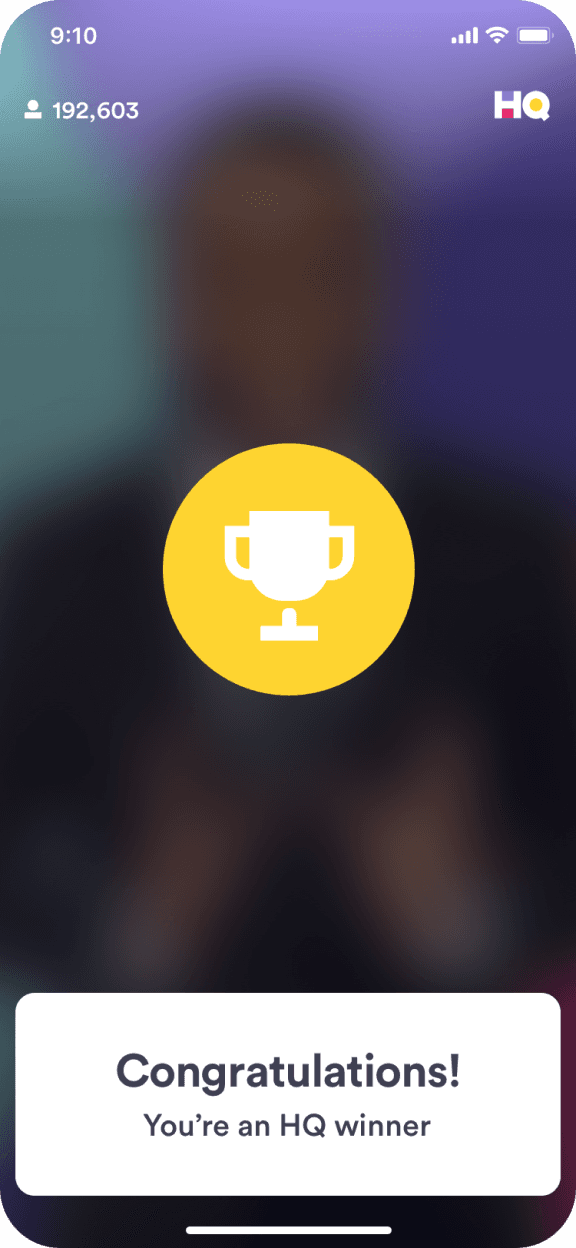
Congratulations toast banner appears and winner’s animation begins
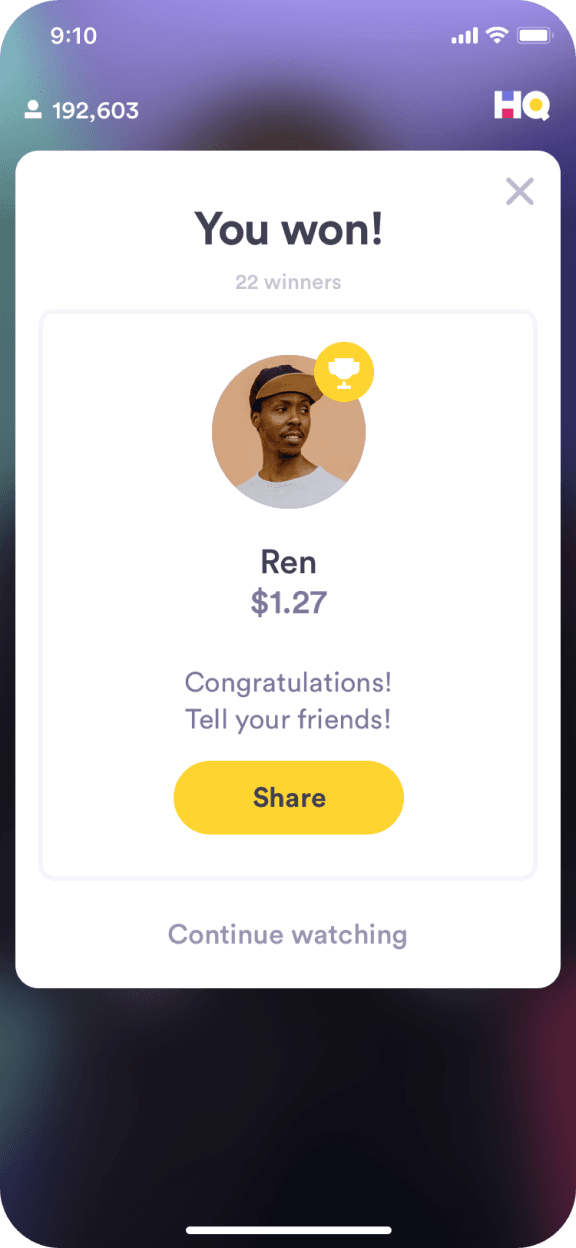
Winner details and share modal
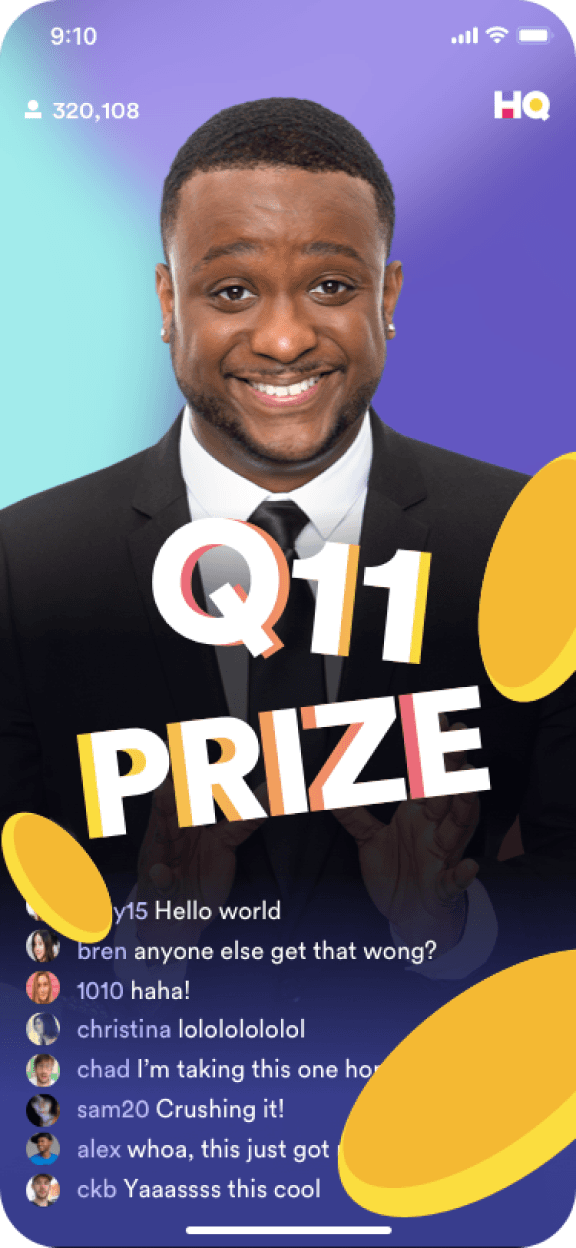
Prize graphics intro/animation
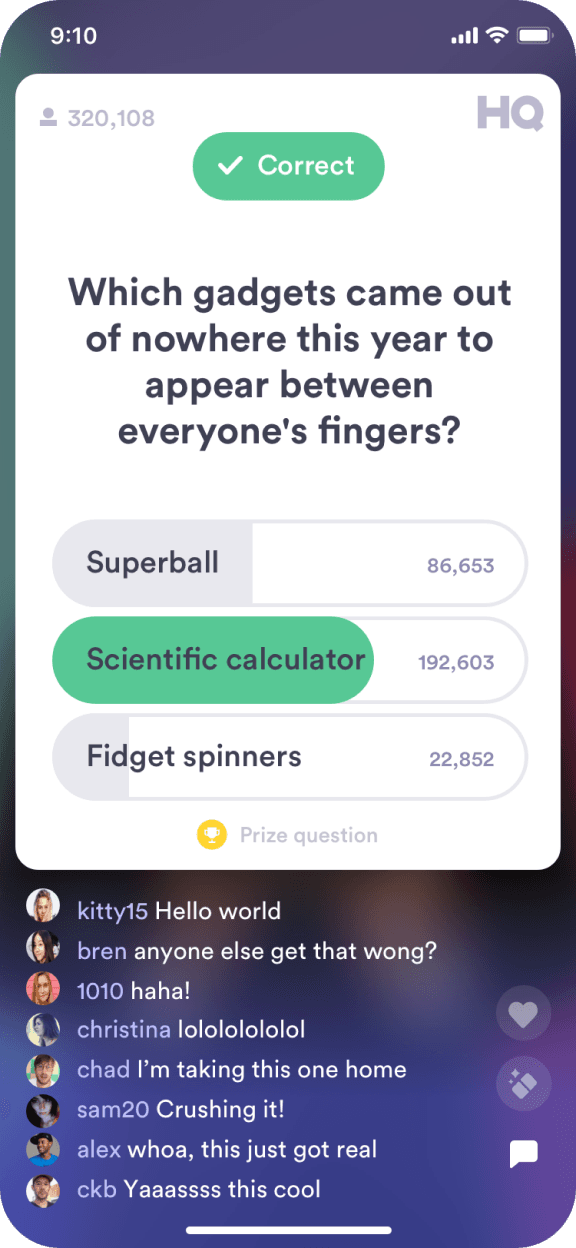
Correct answer is revealed along with the number of players who now qualify for the prize

Ui appears while motion graphics animate. 10 second timer counts down within the Jackpot button

UI lowers from screen
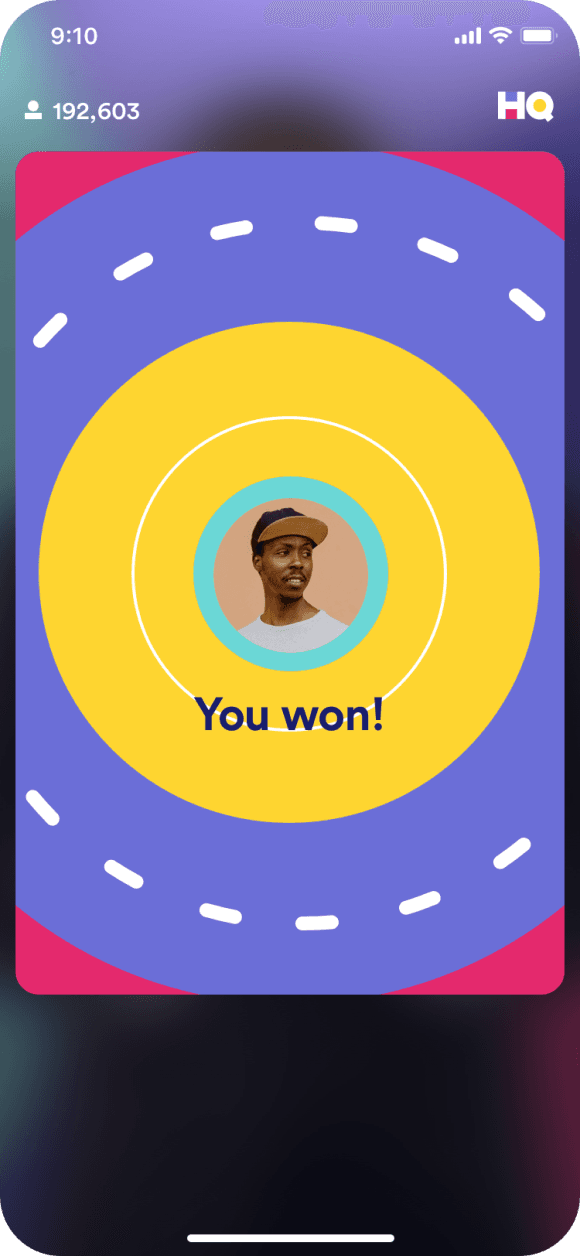
Winner’s animation plays through
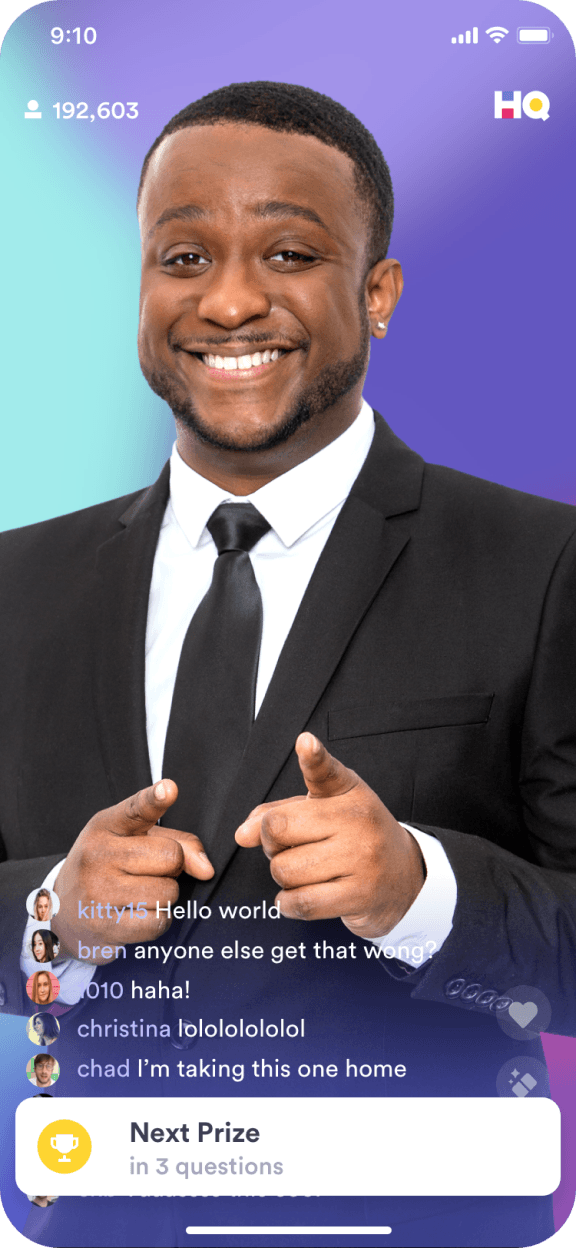
Toast banner with next prize info
Multi-Media Questions
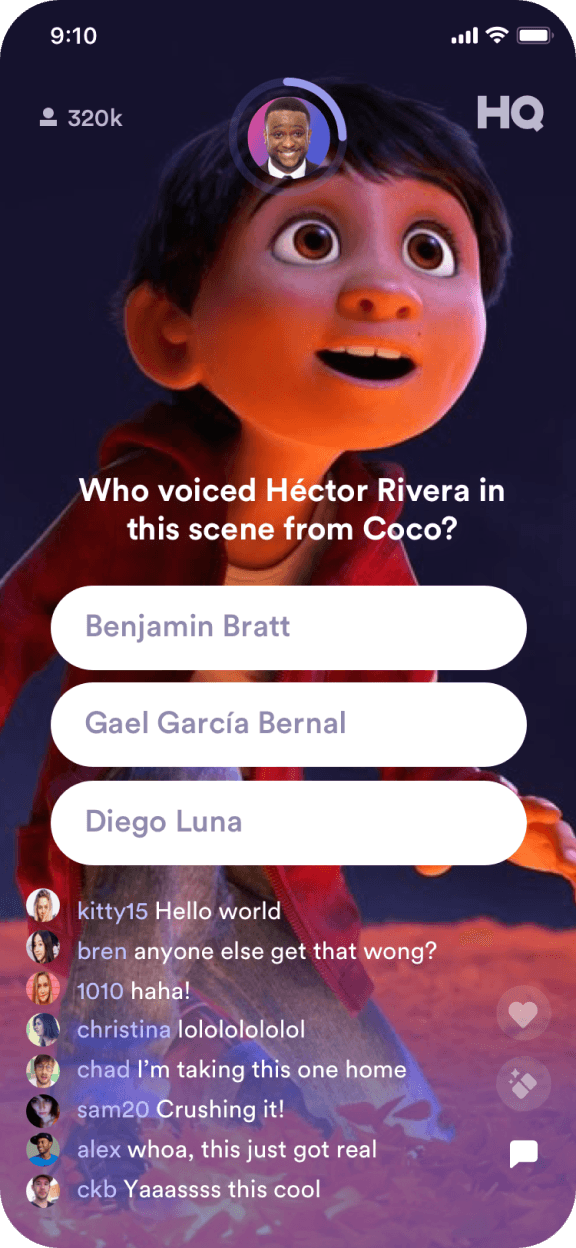
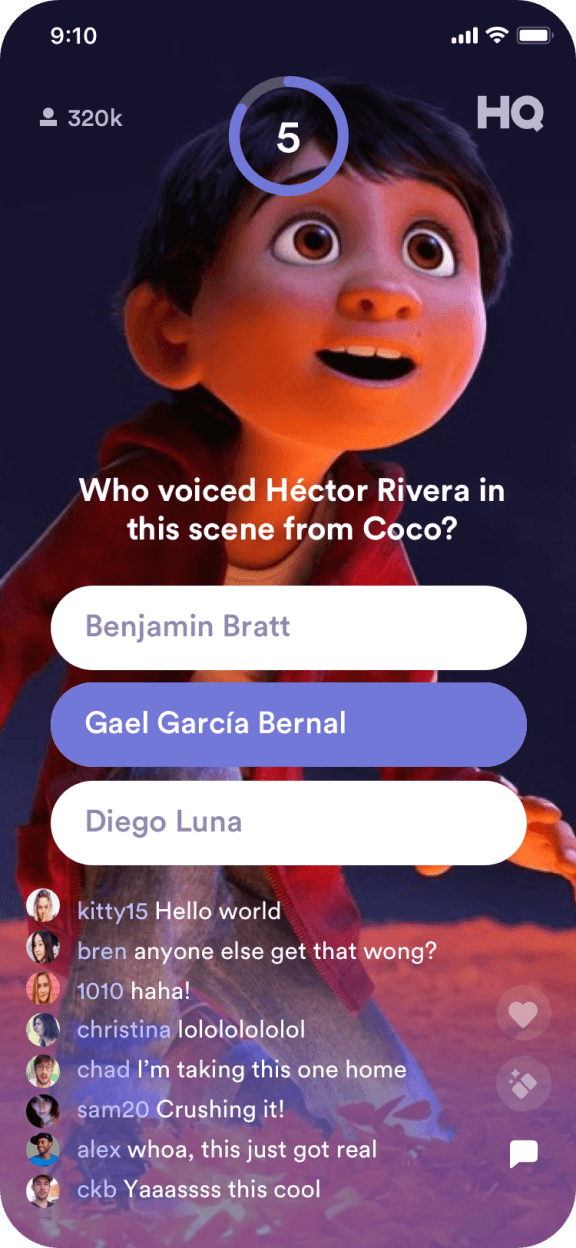
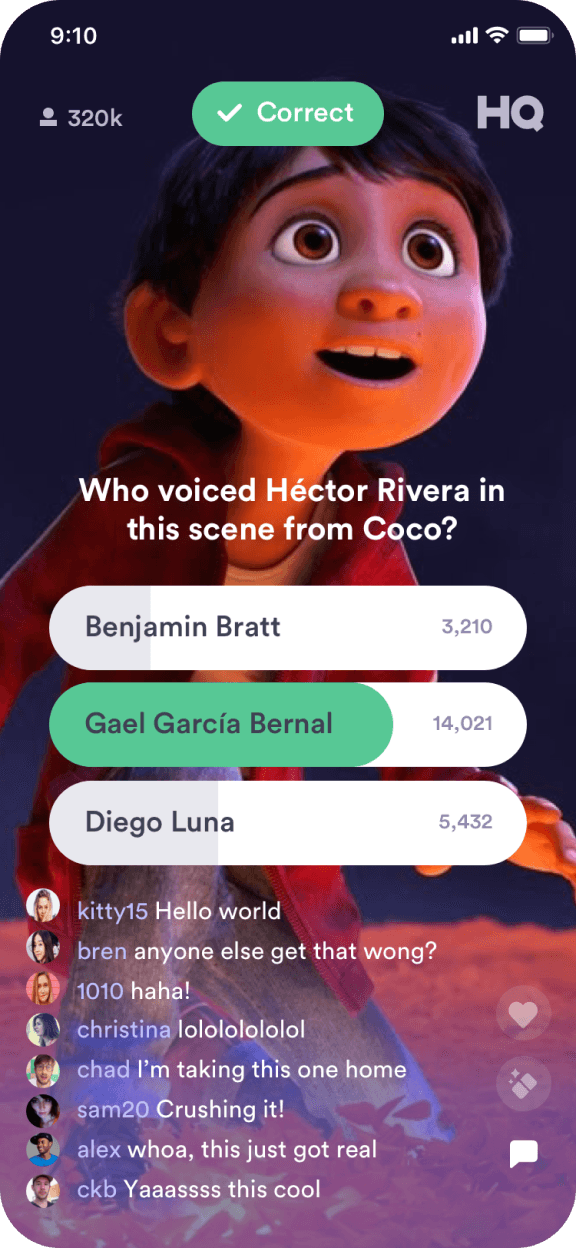
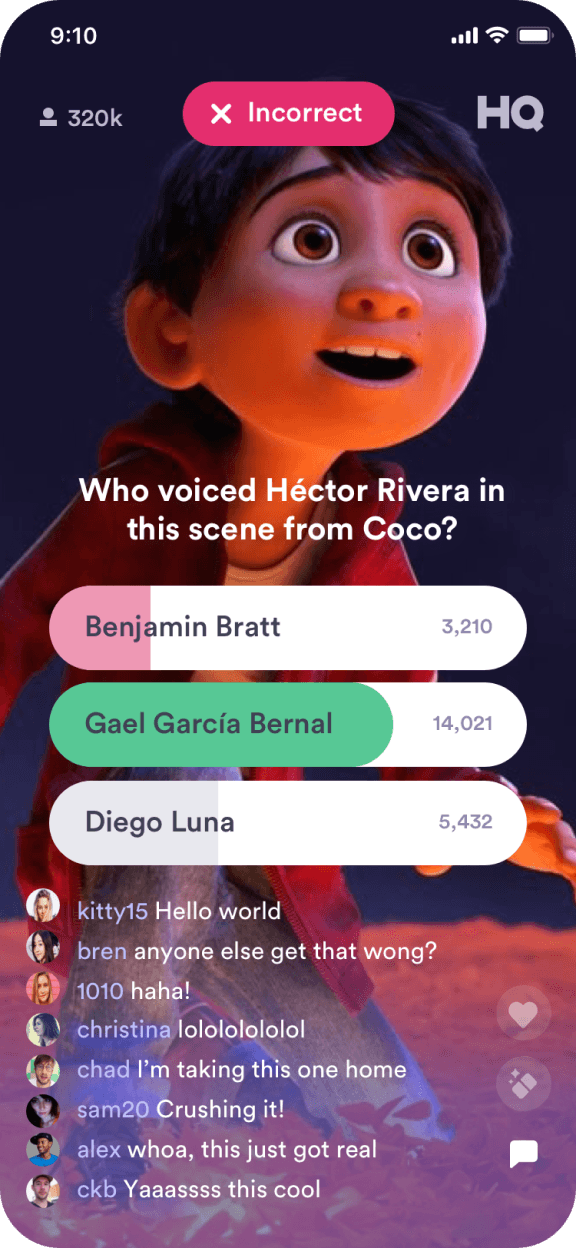
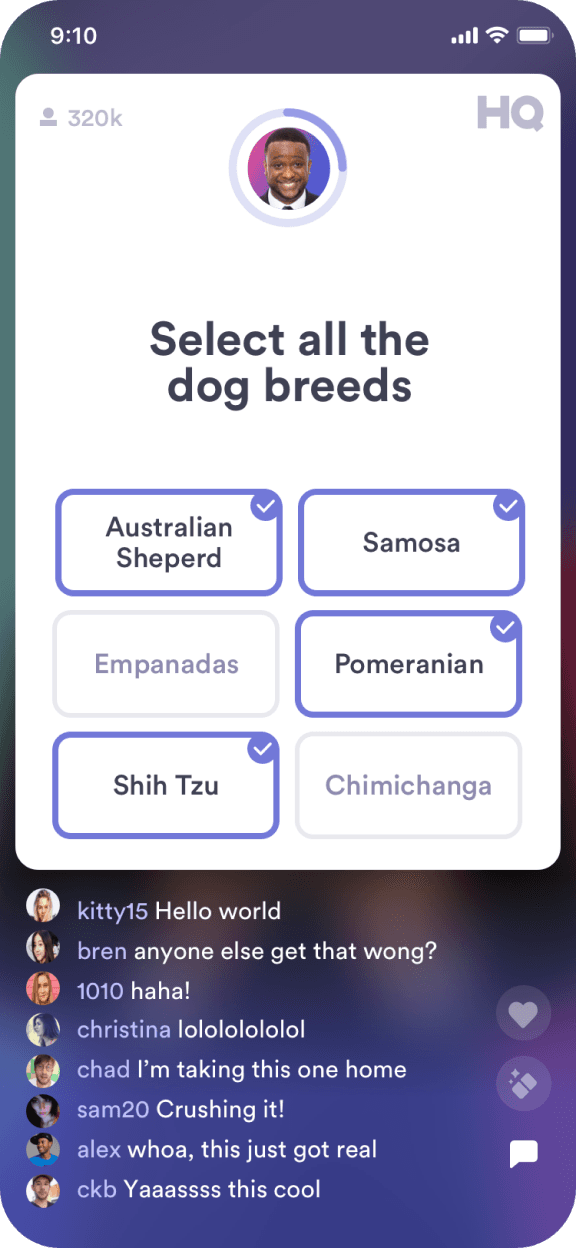
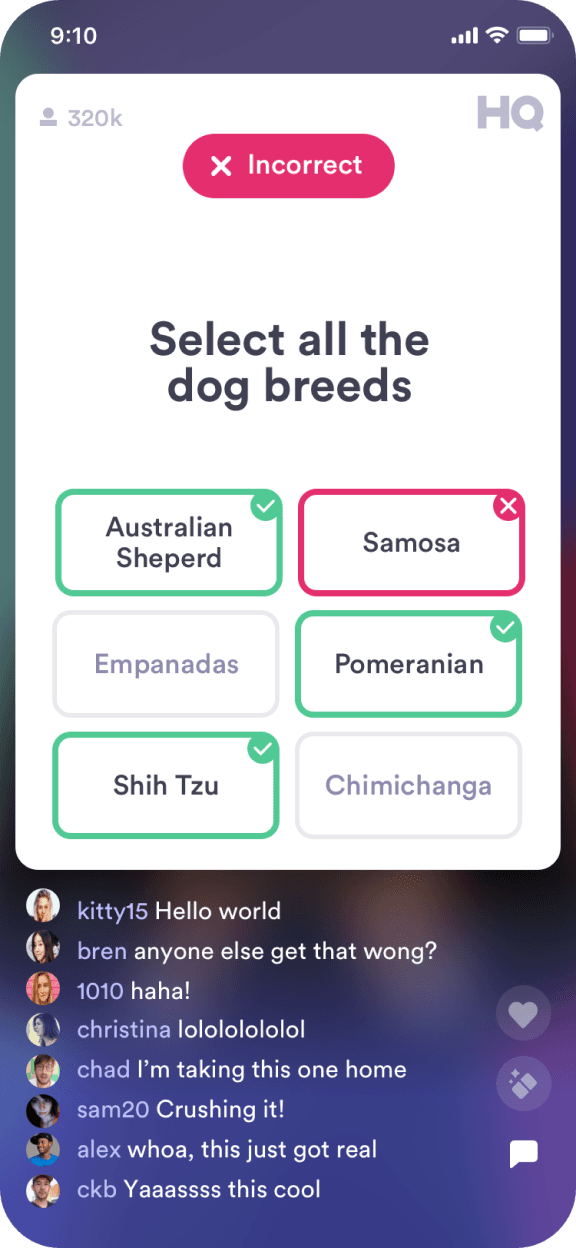
HQ Trivia was best know for their 3 option style. With the start of season 6 we introduced a variety of question formats to the game. Video, Photo and Multi Select.
Video
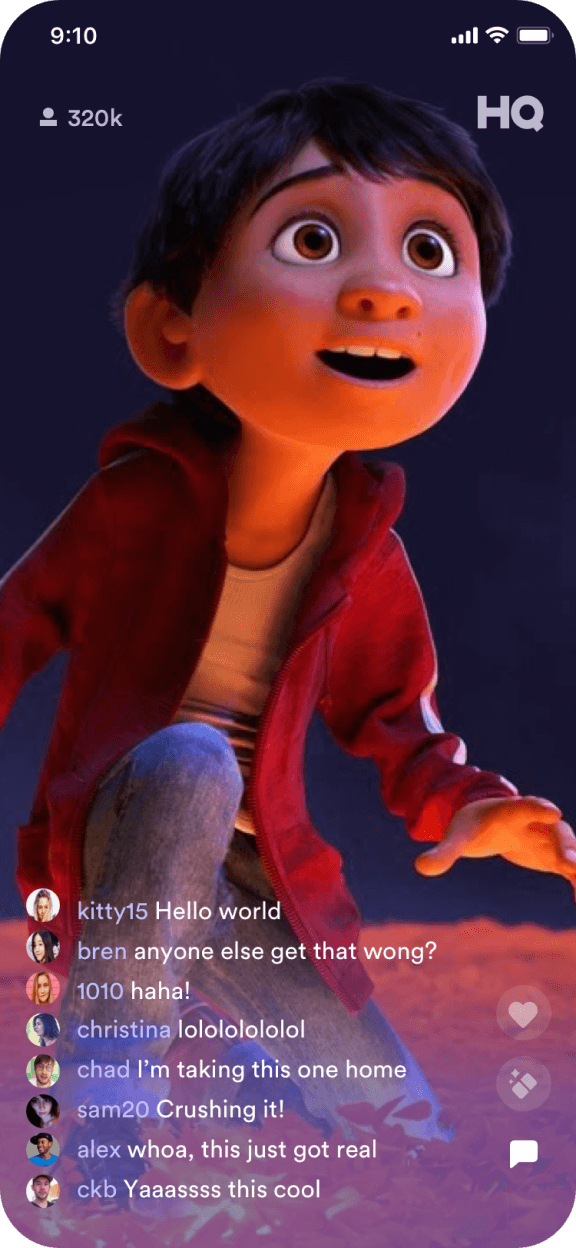
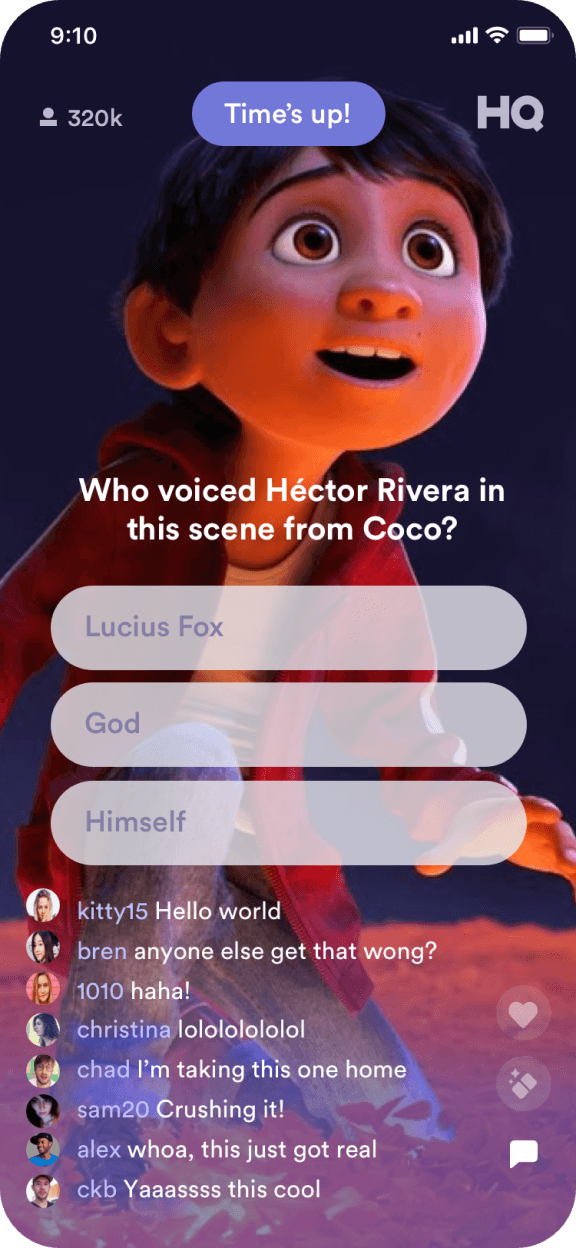
Photo
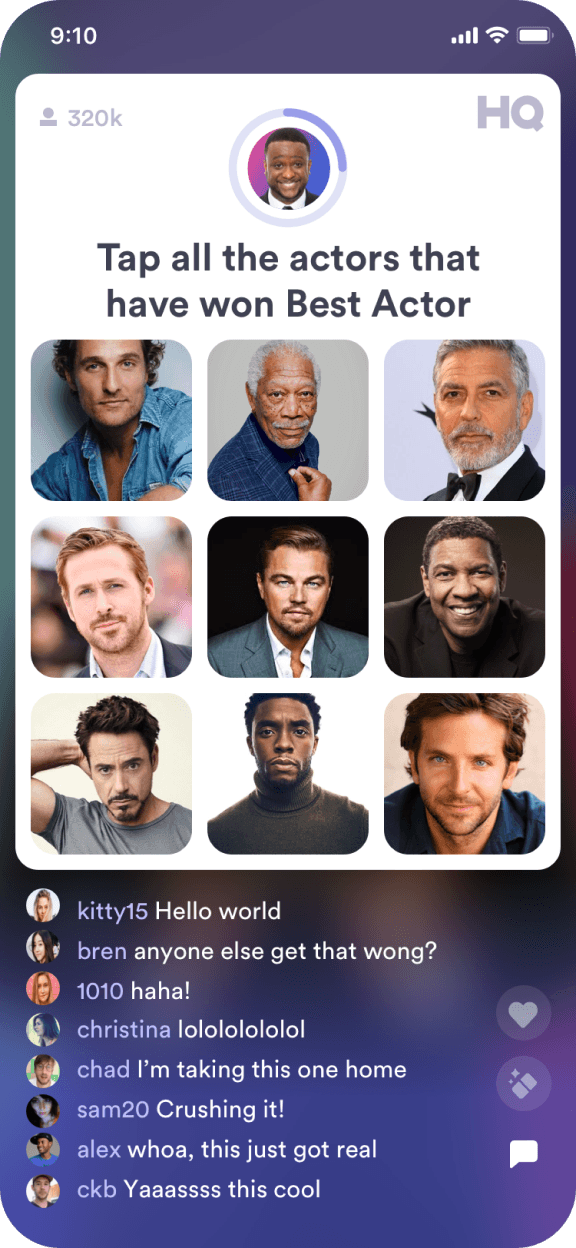
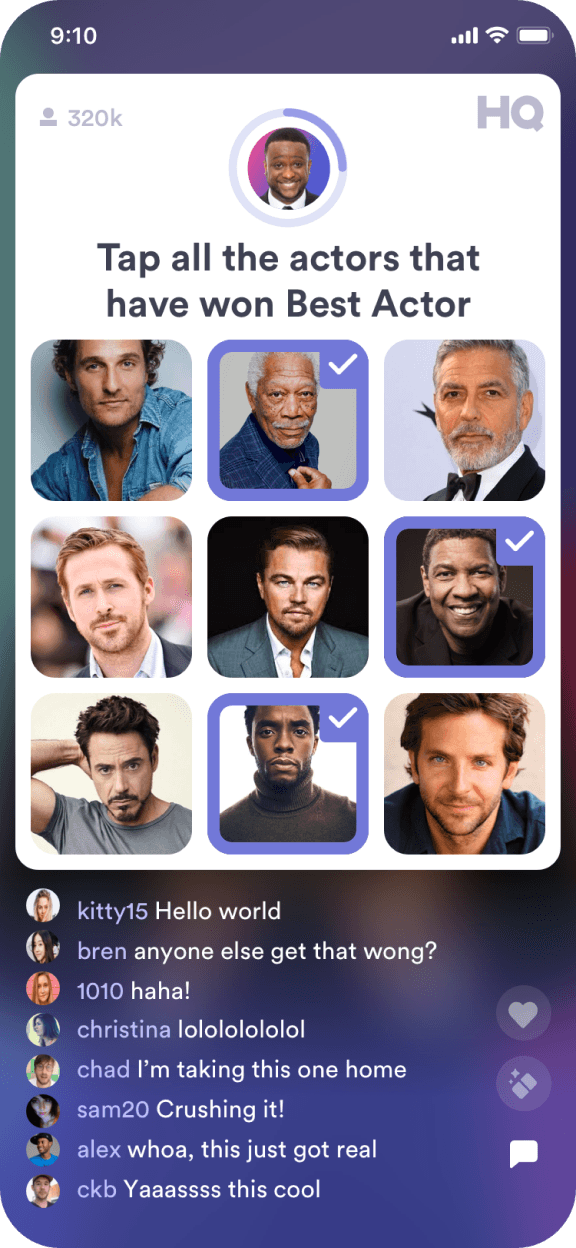
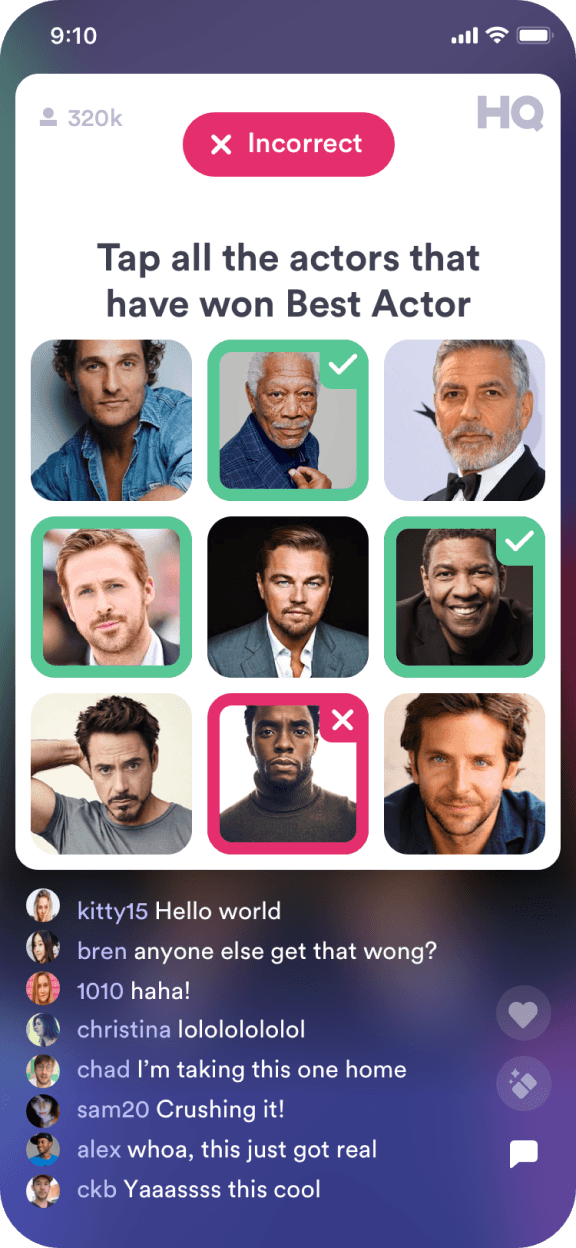
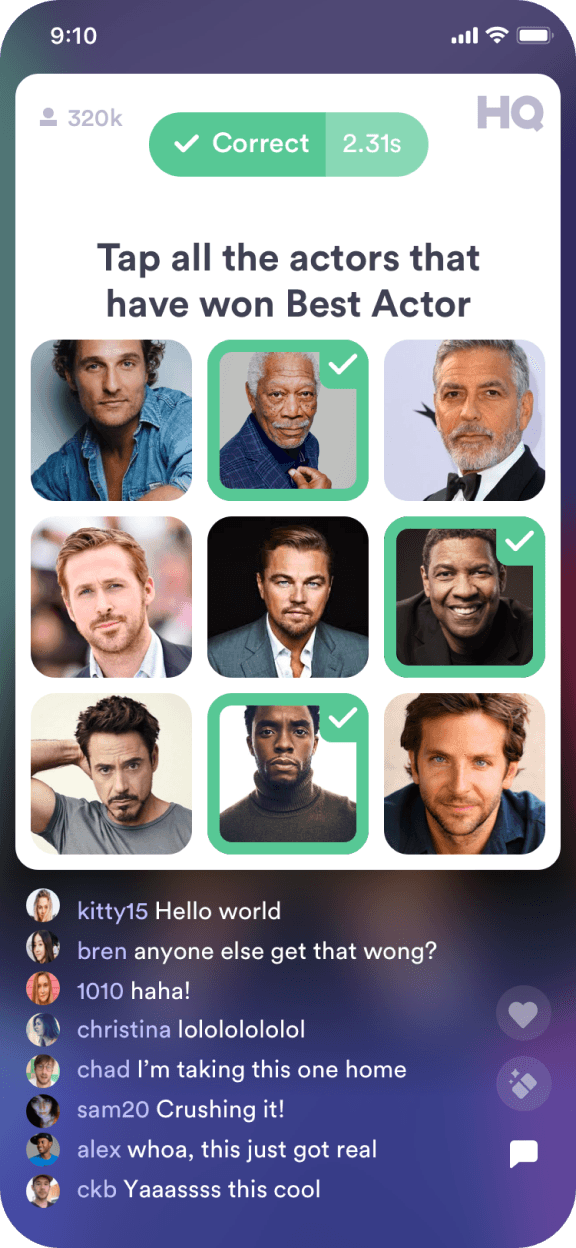
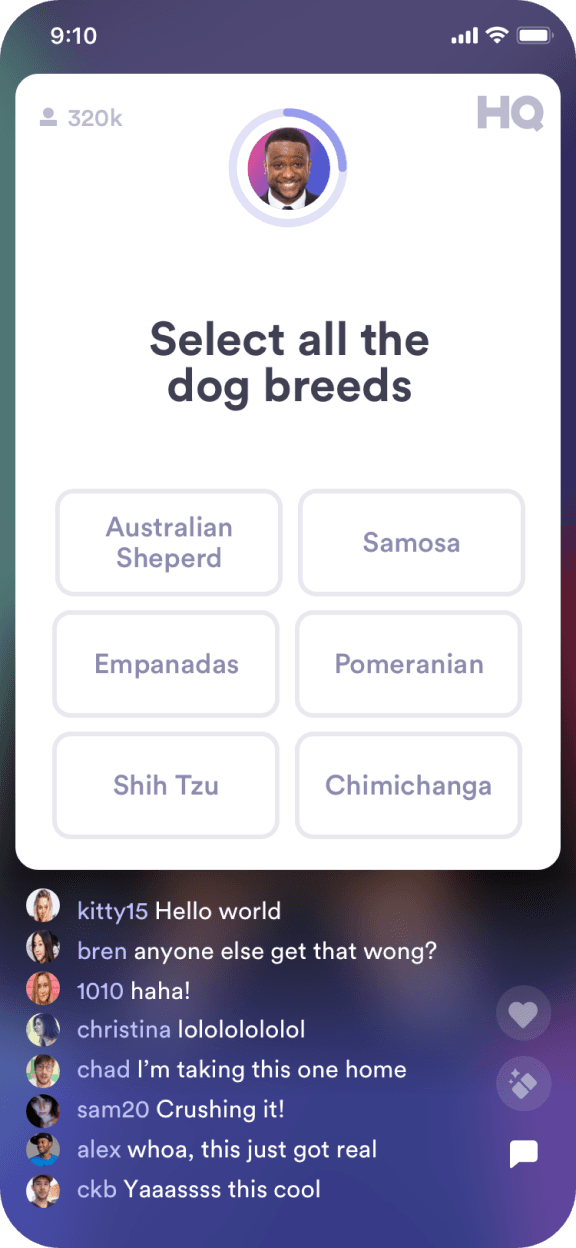
Multi- Select
Introducing HQ Coins
The Shop
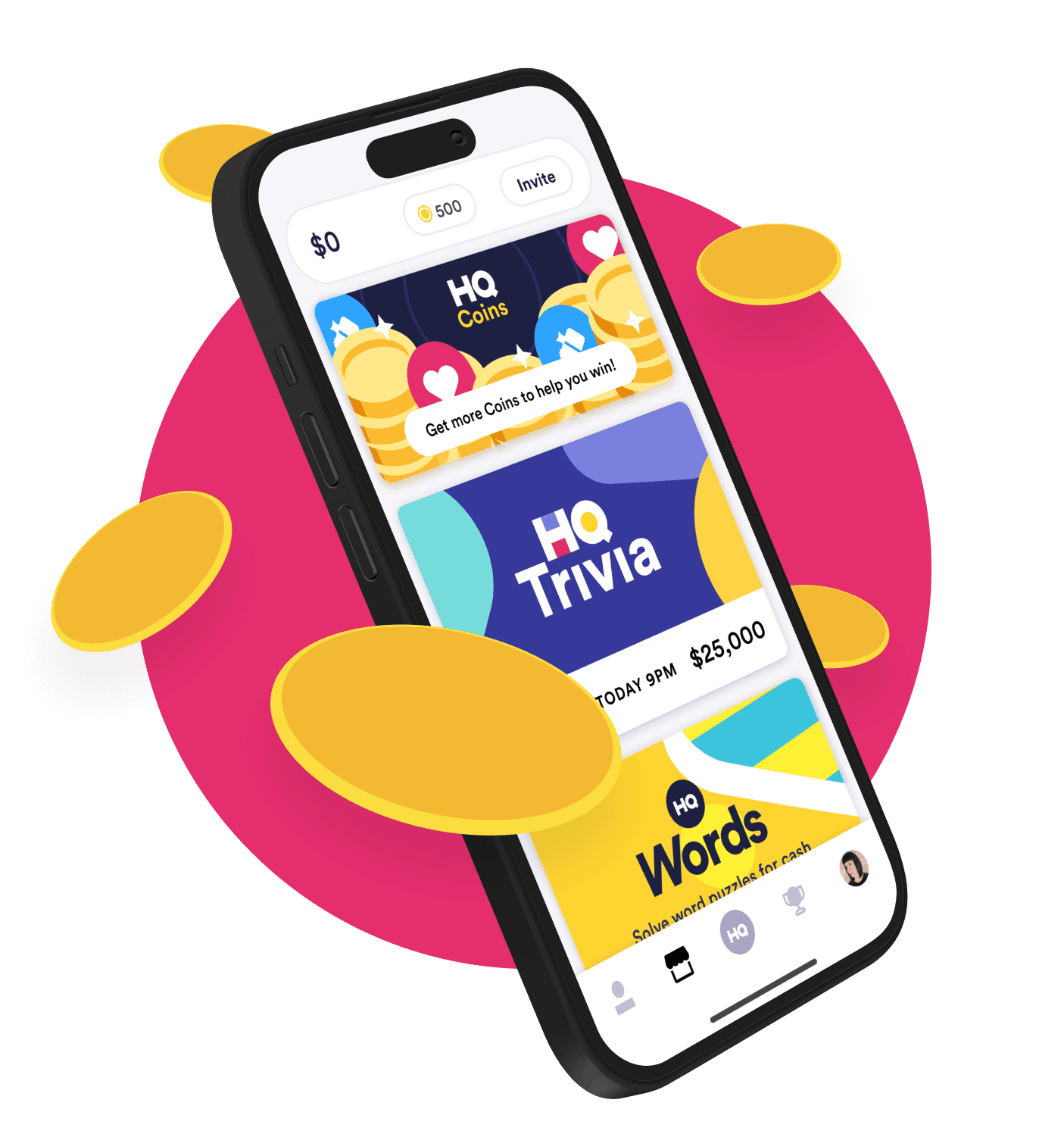
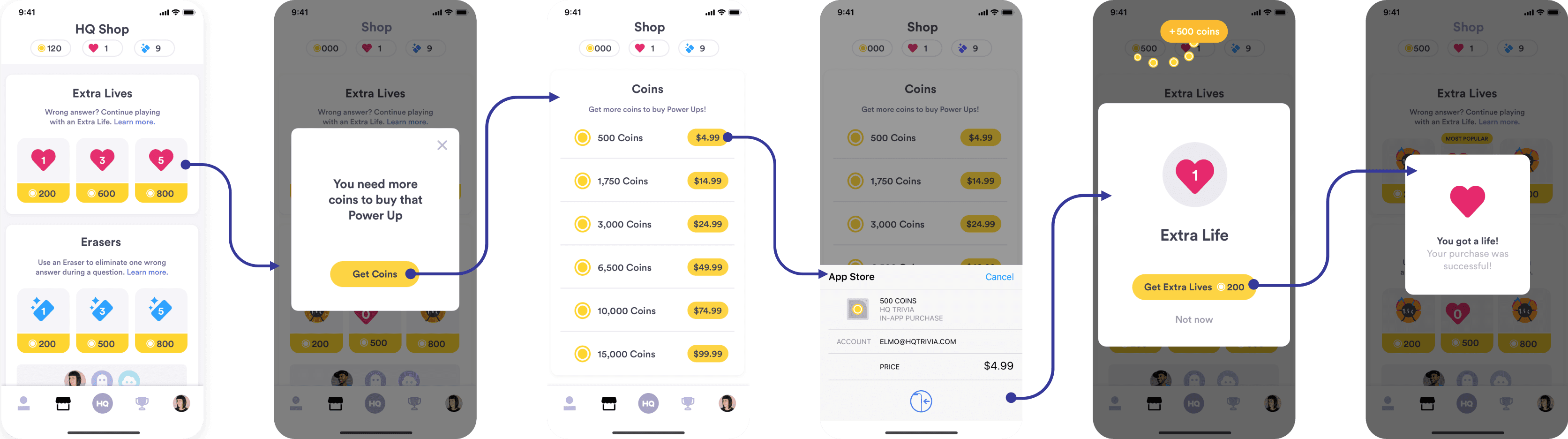
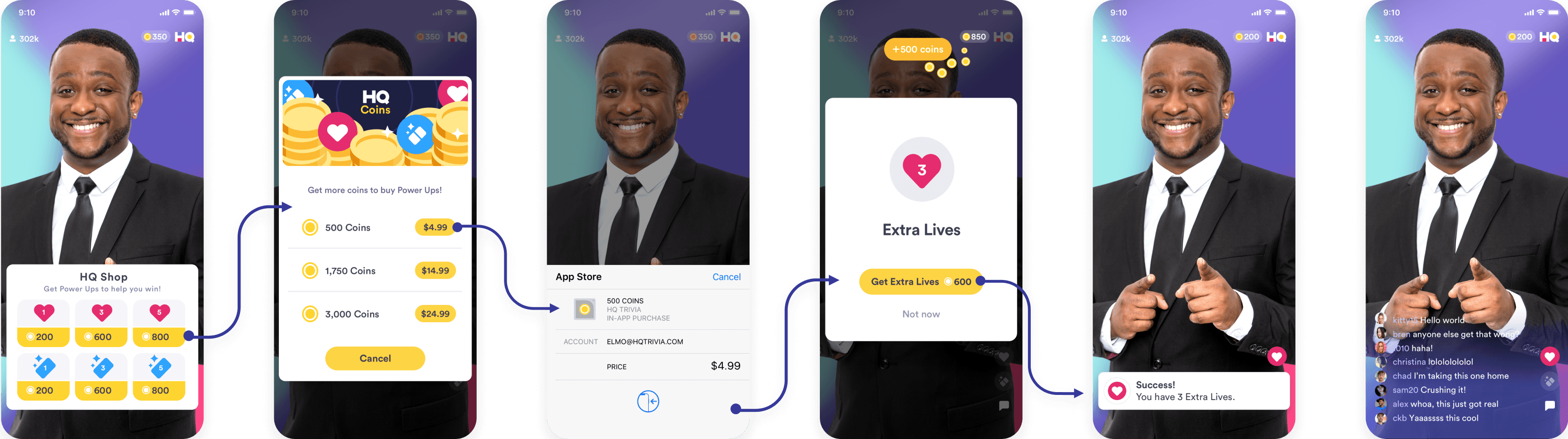
The HQ Shop made its debut with the introduction of HQ Coins, offering players a convenient platform to acquire Coins, Power-Ups, and Extra Lives.
Implementing the HQ Shop required a thorough overhaul of the app's existing navigation and submenus.
Here, we'll delve into an overview of both in-game and out-of-game HQ Shop flows.